

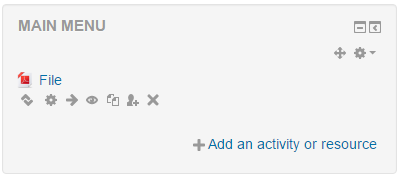

If you have content that you would like to be available on your Moodle or Totara Learn site without the user needing to be enrolled in a course or logged in, you can add the content to the main menu block.

You will then be able to link to the activity or resource within other courses on your site (or even on other websites) by copying the full URL of the resource and linking to it.
If you do not want the content you have added to be displayed in the main menu block on the Moodle or Totara site you can hide the block which will stop it displaying to users, but the content will still be available when accessed via a direct link.
Activities and resources that have been added to the ‘Main menu’ block will also be displayed within the ‘Site pages’ section of the navigation block. To prevent them from displaying in this area you can edit the ‘Navigation’ block settings to only generate navigation for Categories and Courses.